Description
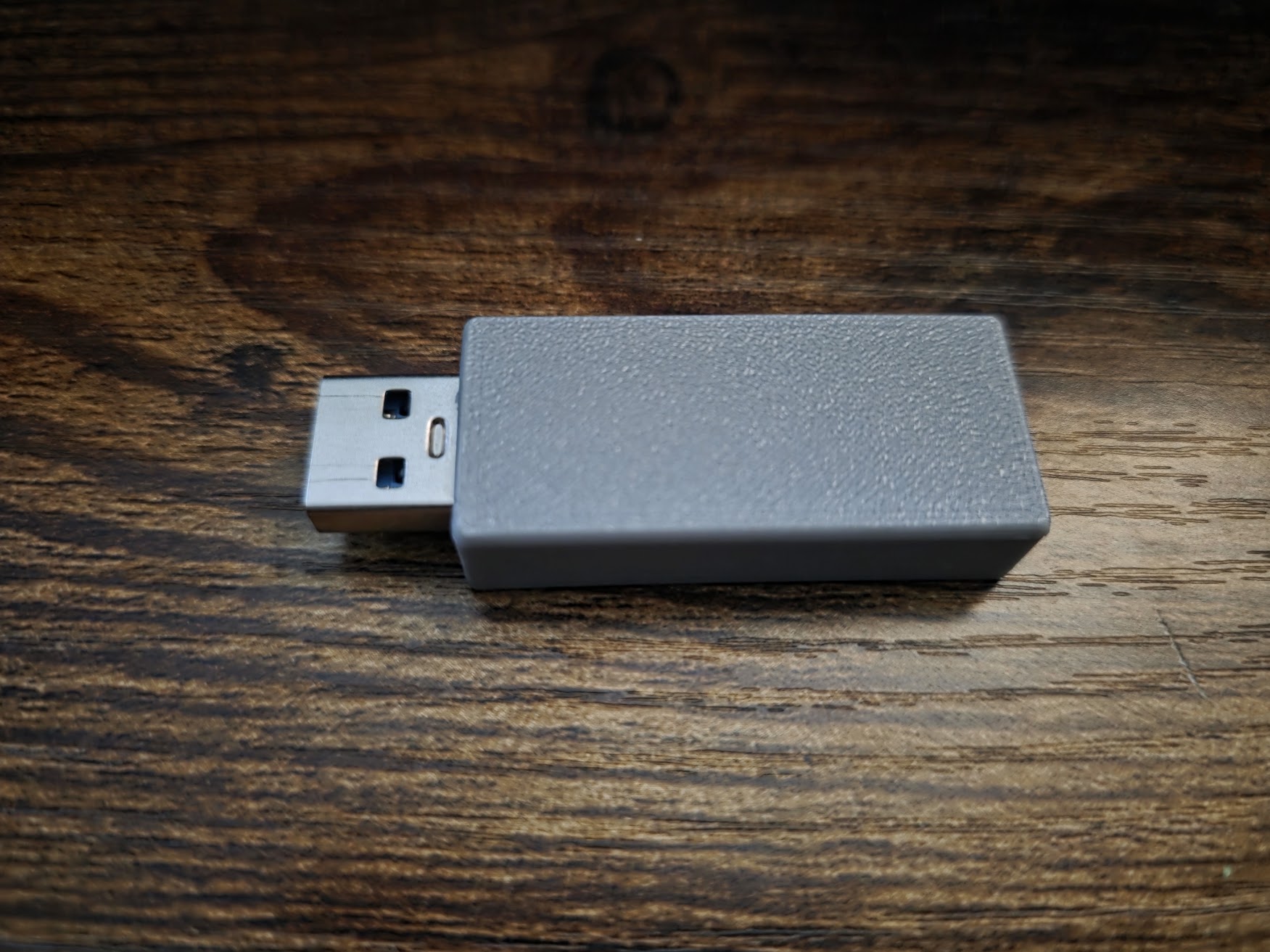
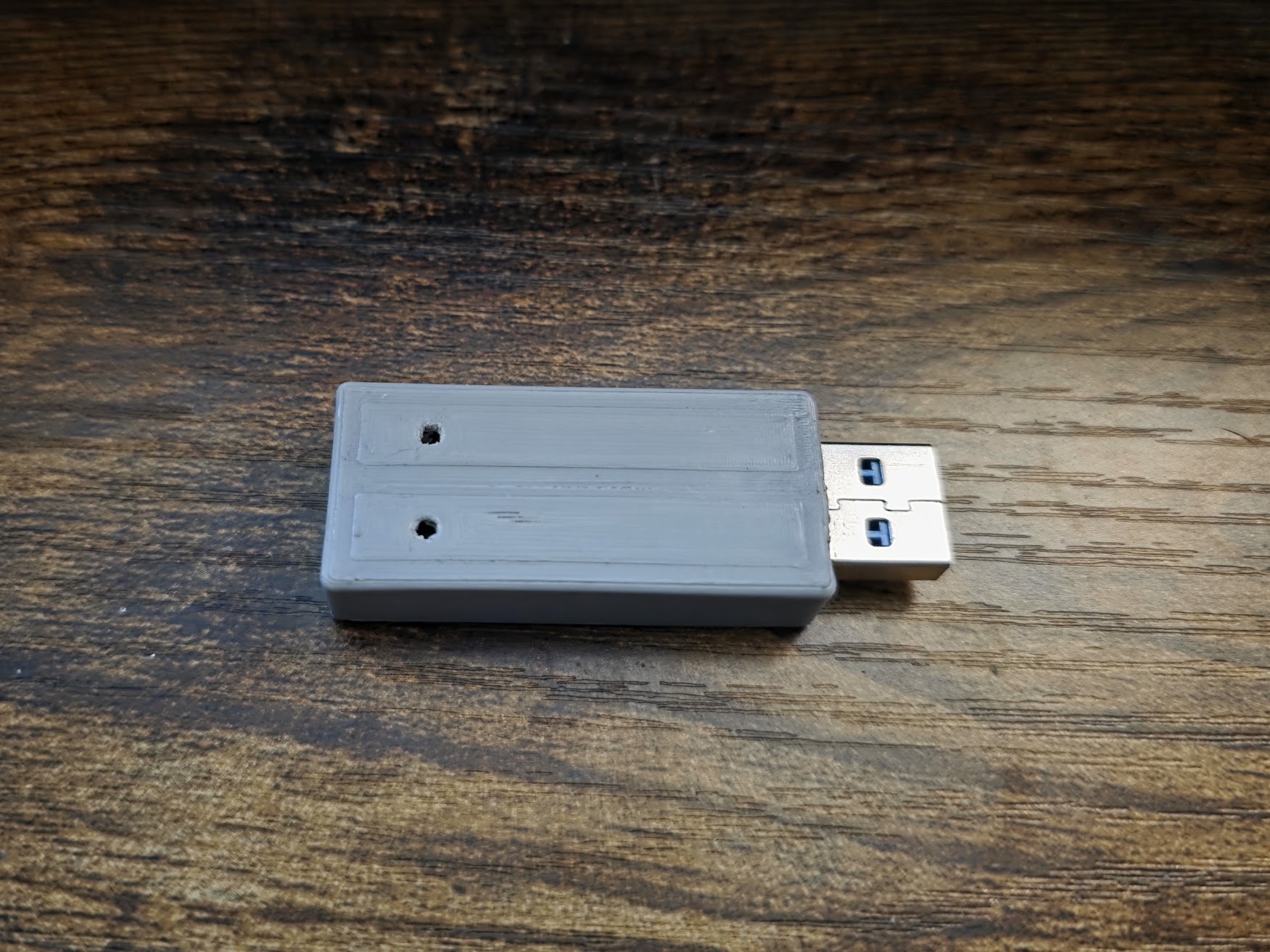
AutoKey USB is a programmable USB device that emulates a standard keyboard to automate keystrokes on any computer—no drivers, no software installation, and no internet connection required.
Designed for IT provisioning, offline configuration, testing, and education, AutoKey USB executes a predefined script as soon as it is plugged in. Because it behaves like a normal USB keyboard, it works across Windows, macOS, Linux, and most embedded or locked-down systems.
Windows 10+ Works Seemless with no additional drivers needed. Windows 7 and below may need Circuit Python Drivers.
AutoKey USB is script-driven, transparent, and deterministic—making it suitable for both professional environments and creative experimentation.
How it Comes
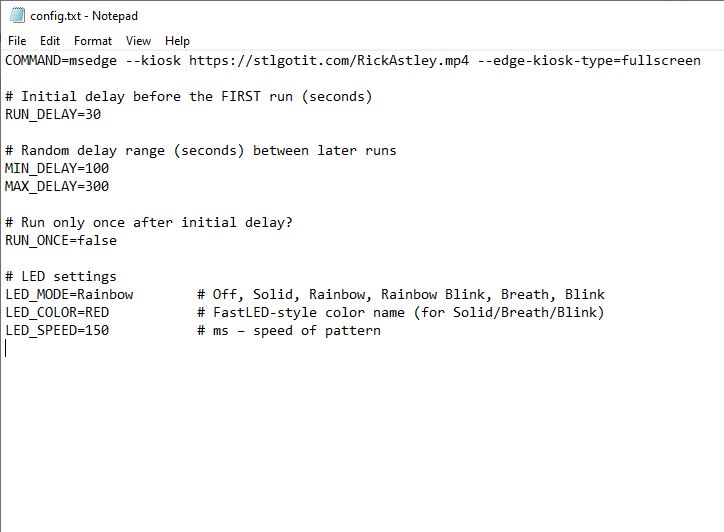
When you receive the AutoKey USB, it will be pre-configured based on the config.txt screenshot image in the gallery. It will waits 30 seconds then open the Edge browser via Win-R dialog. It opens the browser in kiosk mode and full-screen and plays a Rick Roll video. Then it randomly re-runs the same command between 100-300 seconds. They RGB LED will also be showing a rainbow fade effect with full brightness. (LED can be disabled in the config.txt)
From there you can customize any keystrokes you would like along with delays and LED modes. See examples below.
Key Features
-
Plug-and-play USB keyboard emulation
-
Fully offline operation
-
Human-readable configuration file
-
Deterministic, repeatable execution
-
Works on locked or air-gapped systems
-
Optional status LED feedback
-
No drivers, no network access, no dependencies
How It Works
AutoKey USB reads a plain-text config.txt file stored on the device every 5 seconds in case it changes.
When connected to a host computer, it processes each command sequentially, typing keys exactly as a human would—at configurable speeds and delays.
This makes it ideal for:
-
System setup and provisioning
-
Repetitive configuration tasks
-
Software testing and demos
-
Training environments
-
Creative or educational keyboard automation
Example config.txt
Below are realistic examples showing how AutoKey USB is configured.
Basic Script Example
What this does:
-
Waits 1 second after plug-in
-
Opens the Run dialog
-
Launches Command Prompt
-
Types a confirmation message
Transparency & Control
AutoKey USB does exactly what is written in its configuration—nothing more.
There is no hidden behavior, no networking, and no background execution.
Scripts are:
-
Readable
-
Auditable
-
Version-controllable
-
Easy to share or modify
Intended Use
AutoKey USB is designed for:
-
IT professionals
-
System integrators
-
Developers
-
Educators
-
Makers and hobbyists
It is the user’s responsibility to ensure AutoKey USB is used in environments where keyboard automation is permitted.